Every marketing team hits the same wall. The list keeps growing, the campaigns keep multiplying, and someone is still manually sending the welcome email on Monday morning while the Tuesday follow-up slips through the cracks. The right marketing automation software turns that chaos into a system that runs on its own: trigger an email the moment a lead downloads a guide, follow up three days later if they didn’t open it, score them when they visit the pricing page, and hand them off to sales the second they cross the threshold. All while you work on something else.
Good marketing automation platforms are the difference between a revenue engine that compounds while you sleep and a spreadsheet of sends you have to babysit. The best marketing automation tools in 2027 handle email, SMS, in-app messages, and sometimes push and WhatsApp from one workflow builder; pull customer data from your CRM and store in real time; and report back exactly which message generated which dollar of revenue. Welcome sequences, nurture tracks, and win-back flows finally share one audience and one reporting dashboard with the rest of your email marketing campaigns, instead of living in separate tools that don’t talk to each other. This comparison ranks twelve platforms on honest pricing, real deliverability under the 2024 Google/Yahoo sender rules, build complexity, and the specific job each one is actually best at.
What Changed In Marketing Automation Software Between 2024 And 2027
The category used to be a simple lineup: email tool plus some triggers. That ended. In February 2024, Google and Yahoo started enforcing new sender rules for anyone emailing their domains at volume, and bulk-sender spam complaint thresholds dropped from “reasonable” to 0.3 percent before deliverability starts slipping. The platforms below absorbed that shift unevenly. The ones with their own sending infrastructure (Klaviyo, HubSpot, Mailchimp under Intuit) adapted quickly; the ones renting third-party ESPs underneath (and there are more of those than vendors admit) spent most of 2024 catching up.
The actual lift from any of these tools comes from how well they run behavioral-trigger email drip campaigns rather than how pretty the drag-and-drop editor is; HubSpot, ActiveCampaign, Klaviyo, Customer.io, and Omnisend all support true branching triggers, while Mailchimp and most lower-tier ESPs still favor time-based cadences that lose to the Gmail 2024 engagement-weighted filter.
The second shift was pricing. Between Q1 2024 and Q4 2026, published tier prices across the nine biggest vendors moved an average of 22 percent, with the steepest jumps at Pro and Enterprise. HubSpot’s Marketing Hub Pro went from $800 to $890 per month. Marketo’s floor moved from roughly $1,195 to $1,250 (plus implementation). ActiveCampaign added a mid-tier shuffle that effectively raised the entry to automation features by $15 to $20 per month. If you’re comparing today’s list against a 2024 blog post, the numbers in that post are wrong.
The third shift was AI consolidation. HubSpot’s Breeze absorbed what used to be Clearbit (acquired November 2023, folded in through 2024-2025). Mailchimp’s AI features matured under Intuit’s product suite. Adobe rebuilt large parts of Marketo. Salesforce renamed Pardot to Account Engagement and bolted Einstein into every workflow. The practical result: a feature that required three subscriptions in 2023 is often one subscription in 2027, which changes the math on bundled suites versus best-of-breed stacks. The hardest question in 2027 is not which tool has more features, but which email marketing KPIs your current stack can actually report on without a professional services engagement to build custom dashboards.
Best Marketing Automation Software In 2027 (At A Glance)
Here is how the twelve marketing automation platforms stack up on starting price, best-fit use case, and the single catch that matters most for each one. Full breakdowns, pros and cons, and honest-review verdicts for every tool follow below.
1. HubSpot Marketing Hub
HubSpot Marketing Hub is the only tool on this list where you can realistically run email, forms, landing pages, SEO, chat, workflows, and attribution reporting without bolting on anything else. That used to be a mixed blessing (jack of all trades, master of none), but Breeze AI has quietly fixed the parts that used to lag behind best-of-breed. Content Agent now generates and A/B tests entire email variants; Prospecting Agent surfaces ICP accounts inside the CRM; and the free CRM layer underneath Marketing Hub means the automation and the contact data finally live in the same place without a sync job.
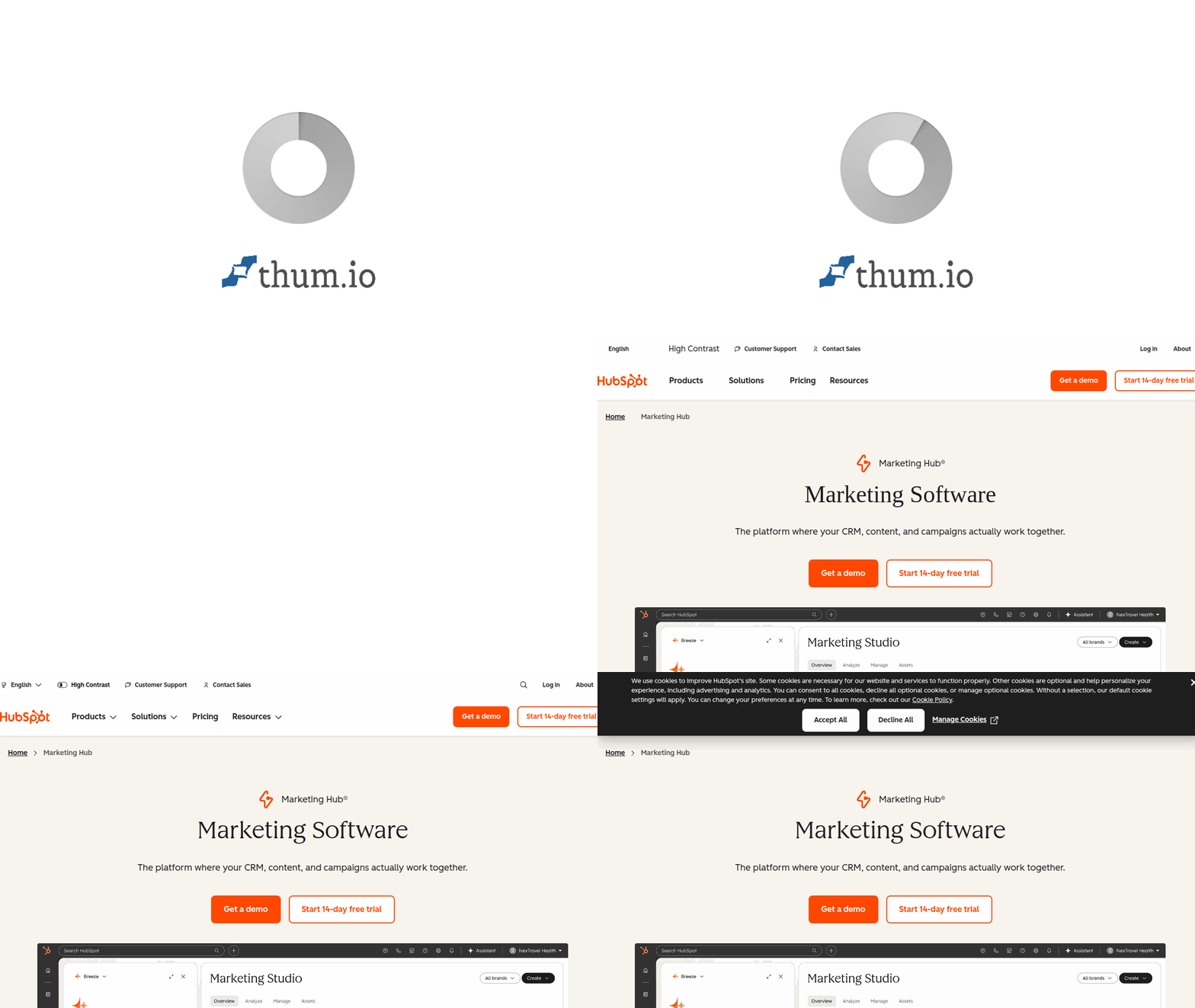
The product’s weakness is the pricing cliff. Starter at $20 per month gives you email, forms, and basic lists; Pro at $890 per month gives you the real workflow builder, custom reporting, and the Breeze features that most buyers actually came for. There is no middle rung. Teams that outgrow Starter end up either stretching Starter past its limits or writing a quarterly budget request for Pro, with nothing in between.
HubSpot Marketing Hub Pricing
Free tier (up to 1,000 marketing contacts, limited features). Starter: $20/month for 1,000 contacts. Marketing Hub Professional: $890/month for 2,000 contacts (most teams land here). Marketing Hub Enterprise: $3,600/month for 10,000 contacts, plus a one-time onboarding fee of $3,000 to $7,000 for Pro and Enterprise. Contacts beyond the tier limits are billed in blocks.
Why Pick It:
Only tool on this list where email, CRM, forms, chat, SEO content tools, and attribution live under one bill with no sync maintenance. Breeze AI (Content Agent, Prospecting Agent, Customer Agent) replaces three tools that used to cost extra. Free CRM is actually usable, not a trap, and the workflow builder is the most visual and least confusing in the category.
The Catch:
The $20-to-$890 gap between Starter and Pro is punishing for teams at 3,000 to 5,000 contacts who need real automation but can’t justify Pro. Marketing contacts pricing means you pay for anyone you might email, so a dirty list becomes expensive fast. Onboarding fees of $3,000 to $7,000 on Pro and Enterprise are not optional for new accounts.
2. ActiveCampaign
ActiveCampaign has been the quiet workhorse of the automation category for a decade because it does one thing better than anyone else: conditional branching logic that marketers can actually build without an engineer. The visual automation canvas supports 900+ trigger and action combinations, if/else splits that nest four levels deep without breaking, and “goals” that let a contact skip ahead when they convert. HubSpot Starter users who want real workflows almost always land here.
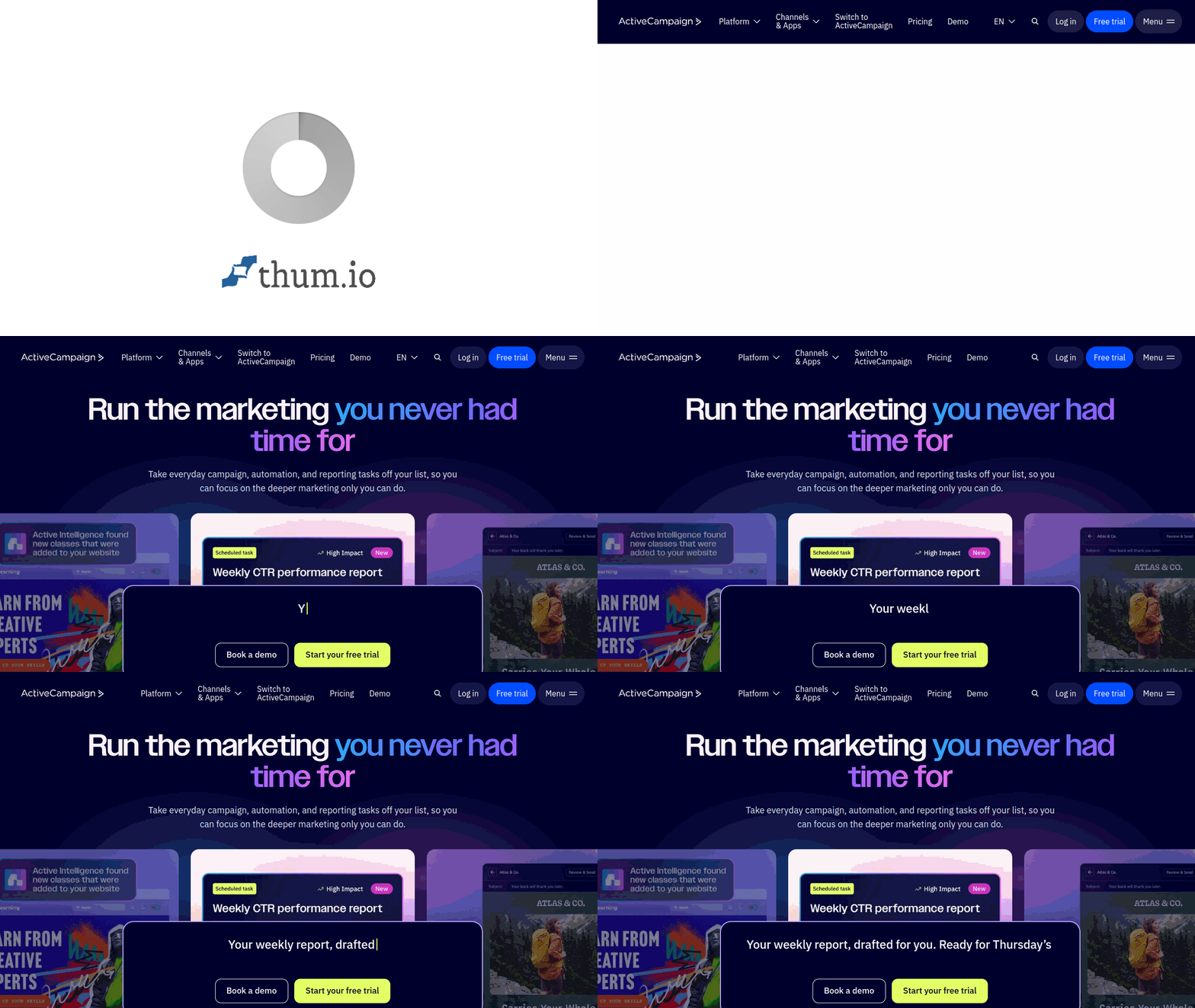
The sales CRM piece (ActiveCampaign Plus and up) is competent but not best-in-class, and the deliverability record is strong but not as insulated as Klaviyo’s or HubSpot’s own infrastructure. The real argument for ActiveCampaign in 2027 is value: at $49 per month on Plus, you get automation depth that costs $890 at HubSpot and $995 at Customer.io.
ActiveCampaign Pricing
Starter: $15/month for 1,000 contacts (email and basic automation only). Plus: $49/month for 1,000 contacts (full automation builder, CRM, SMS). Professional: $149/month for 2,500 contacts (predictive sending, attribution). Enterprise: custom. The 14-day free trial does not require a credit card. Prices scale with contact count in blocks.
Why Pick It:
Best automation-depth-per-dollar on this list. The branching logic handles customer journeys that would require multiple workflows in HubSpot or Mailchimp, and the “goals” feature lets a contact exit a sequence when they complete an action without a separate exit-condition dance. For B2B SaaS and info-product companies up to about 50K contacts, this is the sweet spot.
The Catch:
The CRM is functional but not where a real sales team wants to live long-term, so you often end up pairing ActiveCampaign with HubSpot Free CRM or a standalone pipeline tool. Reporting is thinner than the automation builder’s strength would suggest, and attribution across channels requires Professional tier. Native ecommerce integrations work but are not as deep as Klaviyo’s.
3. Klaviyo
Klaviyo is not a general marketing automation tool. It’s an ecommerce marketing automation tool that happens to be the most dominant one in its niche by a wide margin. If more than half your revenue comes from a Shopify, BigCommerce, or WooCommerce store, the depth of the native integration (product catalog sync, back-in-stock flows, predictive customer lifetime value, revenue-per-send attribution down to the flow email) simply has no peer. The entire feature set is built around one assumption: your data model centers on products, orders, and customers, not leads.

For B2B SaaS or info-product sellers without a product catalog, Klaviyo’s advantages mostly evaporate. The forms builder is fine. The email editor is fine. The segmentation is fine. But you’re paying for the product-events engine, and if you don’t have product events, you’re overpaying for features you won’t use. This is the clearest “pick the right tool for your business model” call on the list; the four ecommerce email marketing flows every Shopify store needs (cart, browse, post-purchase, replenishment) ship pre-built here and typically clear 20 to 30 percent of total store revenue once dialed in.
Klaviyo Pricing
Free for up to 250 active profiles and 500 email sends per month. Email plans start at $20/month for 251 to 500 profiles with unlimited sends. SMS adds $15/month on top for small volumes. Pricing climbs steeply with profile count: 10,000 profiles costs roughly $150/month, 50,000 is around $720/month. Enterprise quotes above 100,000 profiles.
Why Pick It:
The deepest ecommerce event model of any tool on this list. Flows for cart abandonment, browse abandonment, post-purchase, replenishment, win-back, and back-in-stock come pre-built and work out of the box with Shopify. Revenue attribution is accurate to the individual email variant, which turns email from a channel into a measurable revenue line item on the P&L.
The Catch:
Pricing scales aggressively past 20,000 profiles; what starts cheap becomes expensive once a brand hits list growth. SMS is a separate add-on that many teams forget to budget. If you’re not running an ecommerce store, you’re paying for infrastructure you’ll never use; pick ActiveCampaign or HubSpot instead.
4. Mailchimp
Mailchimp is the default pick for small businesses and solopreneurs who want “email marketing that works today” without reading a comparison article. Under Intuit’s ownership (acquired 2021), the platform has matured in predictable directions: more AI-assisted content generation, tighter integration with QuickBooks for small-business reporting, and a visual builder that stays accessible even for people who’ve never built an automation before.

The reasons to pick something else are real. Automation complexity caps out well below ActiveCampaign. Deliverability recovered after some bumpy years but is middle-of-the-pack rather than leading. And pricing bumps sneak up: features like multi-step journeys, multivariate testing, and comparative reporting are gated behind Standard ($20) or Premium ($350), not Essentials ($13). Still, for a lifestyle business sending weekly newsletters and a basic welcome flow, Mailchimp works.
Mailchimp Pricing
Free for up to 500 contacts and 1,000 emails per month. Essentials: $13/month (3 audiences, basic automations). Standard: $20/month (customer journey builder, retargeting). Premium: $350/month (advanced segmentation, unlimited audiences, phone support). Pricing scales by contact count, with 10,000 contacts costing roughly $75/month on Standard.
Why Pick It:
Lowest barrier to entry on this list. Free tier is genuinely usable for a side project or solo brand. The template library, drag-and-drop builder, and inline AI copy assistance mean a first email gets out the door in under an hour. For small businesses already inside the Intuit ecosystem (QuickBooks, Mailchimp Transactional, Mailchimp for Shopify), the integration story is cleaner than most assume.
The Catch:
Automation complexity caps out fast; teams needing multi-step branching or event-triggered journeys hit the ceiling by about 10,000 contacts. The pricing by contact count counts unsubscribes toward your tier in some plans, which punishes list hygiene. Deliverability is acceptable but not elite, which matters most for high-volume senders.
5. Brevo (Formerly Sendinblue)
Brevo (the rebrand of Sendinblue in 2023) is the quietly good European pick that gets overlooked in US-centric comparison articles. The pricing model is different from most of this list: you pay per email sent, not per contact stored. For brands with large lists that email infrequently (quarterly newsletters, lapsed-customer re-engagement), that math works out dramatically in your favor. For brands that email the same small list daily, less so.
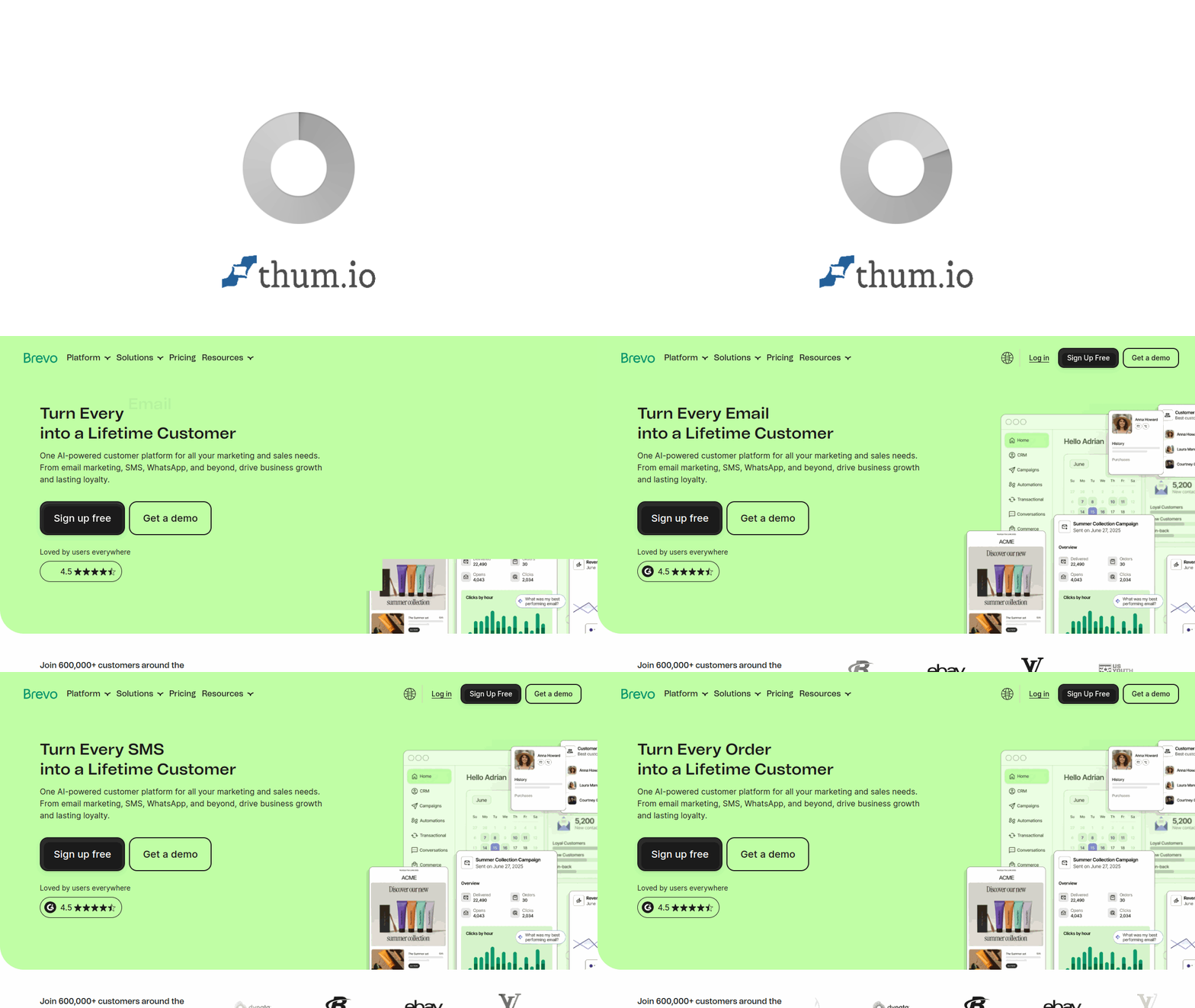
Beyond pricing, Brevo bundles email, SMS, WhatsApp, chat, meetings, and a CRM into a single account, which is the European answer to HubSpot. The CRM is lighter, the automation builder is less sophisticated than ActiveCampaign, but GDPR compliance is native (not bolted on like most US tools) and the free tier is more generous than almost anything else in the category.
Brevo Pricing
Free: 300 emails/day, unlimited contacts. Starter: €9/month for 5,000 emails/month (removes Brevo branding, adds basic automation). Business: €18/month for 5,000 emails/month (adds landing pages, A/B testing, send-time optimization). Enterprise: custom. SMS and WhatsApp credits are billed separately.
Why Pick It:
The pay-per-send model is a huge win if you store a large list and email it infrequently. GDPR tooling is native, not an afterthought, which matters if your audience is in the EU. The free tier allows unlimited contacts and 300 emails per day, which is more generous than Mailchimp’s free plan for the right use case. SMS and WhatsApp as built-in channels (not separate apps) is rare at this price.
The Catch:
Automation depth is middle-of-the-pack; power users of ActiveCampaign or Customer.io will feel constrained quickly. The email builder has gotten better but still lags on design polish compared to Klaviyo or HubSpot. CRM is functional but not where a growing B2B sales team wants to live long-term.
6. Customer.io
Customer.io is the tool that engineering teams pick when the marketing team describes a workflow and the developer answers “we can build that in Customer.io.” The event-driven model (where anything your product does becomes a potential automation trigger) is the deepest on this list, and the API-first design means campaigns can fire off events your product already emits without a middleware tool. For B2B SaaS and product-led growth companies, this is often the right answer.

The trade-off is setup complexity. Unlike HubSpot or Mailchimp, Customer.io assumes you have a developer who can send events via Segment, Rudderstack, or direct API. Marketers without engineering support often get stuck at the “how do I get my data in” step. Once data is flowing, the automation builder is excellent, and triggers like “user did action X three times in seven days without doing Y” are trivial to express.
Customer.io Pricing
Essentials: $100/month for 5,000 profiles (basic event-driven automation, email, in-app). Premium: $995/month for 20,000 profiles (SMS, push, advanced workflows, SOC 2). Enterprise: custom. 14-day free trial. Pricing scales with both profile count and sent volume; profiles beyond the tier cap are billed in blocks.
Why Pick It:
The event-driven model handles conditions that visual-builder tools simply can’t express cleanly. Multi-channel (email, SMS, push, in-app, Slack, webhook) from one workflow means you can send across channels based on the same trigger without duplicating logic. Developer-friendly API and Segment-native integration mean implementation is clean when you have engineering support.
The Catch:
The learning curve is steep. Marketers without a technical partner hit a wall during setup and stall for weeks. Starting price of $100/month is well above the beginner tier of most competitors, and the jump to Premium at $995/month is a $11,940 annual decision that happens the first time you need SMS or push. Not the right tool for lifestyle businesses.
7. Marketo Engage
Marketo Engage (Adobe’s enterprise automation platform) is the tool that B2B companies with inside sales teams, long sales cycles, and more than $20M in revenue tend to end up on. The lead scoring is the deepest in the category, the Smart Campaigns model is powerful once you understand it, and the native integration with Adobe Experience Cloud makes sense if the rest of the marketing org is already there. Adobe spent most of 2024 and 2025 rebuilding parts of the product, and the result is more modern but the learning curve is still real.
The reason not to pick Marketo is cost of ownership. The sticker price is roughly $1,250+ per month minimum, but true cost of ownership for a mid-market company lands at $50K to $150K per year once you include a Marketo-certified consultant (basically required), Adobe Analytics bolt-ons that most teams end up buying, and the fully loaded cost of one or two FTEs who actually know how to build inside Marketo. If you don’t have that budget, you’re not ready for Marketo.
Marketo Engage Pricing
Quote-only. Entry-level Growth tier starts around $1,250/month for roughly 10,000 contacts. Select tier (adds advanced segmentation and reporting) typically lands between $3,000 and $5,000/month. Prime and Ultimate tiers are custom; realistic enterprise programs land at $5,000 to $12,000/month plus implementation fees of $20K to $80K.
Why Pick It:
Deepest lead scoring, revenue cycle analytics, and sales alignment features in the category. Account-Based Marketing workflows that B2B mid-market and enterprise sellers actually need are first-class citizens. Adobe Analytics and Adobe Experience Cloud integration keeps data unified for orgs already in that ecosystem. Legal/compliance tooling for regulated industries (healthcare, financial services) is robust.
The Catch:
Total cost of ownership is the highest on this list once implementation, training, and specialized headcount are included. The UI still carries two generations of debt even after Adobe’s rebuild, and new user onboarding takes months, not days. You need a Marketo-certified consultant for anything beyond basic campaigns, which adds $150 to $250 per hour on top of the subscription.
8. Salesforce Account Engagement (Formerly Pardot)
Salesforce renamed Pardot to Account Engagement in 2022, bolted Einstein AI into the campaign and scoring layer, and spent 2024-2026 tightening the connection between marketing automation and the Salesforce CRM underneath. If your sales org already lives inside Sales Cloud, Account Engagement is the path of least resistance because the lead handoff happens inside one data model with no sync lag, no duplicate records, and no “the data in marketing doesn’t match sales” meetings.
Account Engagement is not the pick if your CRM is HubSpot, Pipedrive, or anything else; the whole value proposition is the Salesforce-native data model. Email builder is competent but visually basic. Automation logic is strong but less flexible than ActiveCampaign. The price ($1,250/month minimum on Growth) is enterprise territory.
Salesforce Account Engagement Pricing
Growth: $1,250/month for 10,000 contacts (core automation, lead scoring, Salesforce integration). Plus: $2,500/month (adds advanced reporting, Einstein features, nurture tracks). Advanced: $4,000/month (adds Einstein lead scoring, business units, custom user roles). Premium: $15,000/month (full Einstein attribution). Requires Salesforce Sales Cloud or Service Cloud license.
Why Pick It:
Native Salesforce integration eliminates the data-sync tax that every other tool charges you in engineering time. Einstein AI features for predictive lead scoring and campaign attribution are strong once configured. For orgs already paying for Sales Cloud, the add-on cost is often cheaper than running a separate marketing automation stack plus the integration overhead.
The Catch:
You must already have (or commit to buying) Salesforce Sales Cloud. Email builder and landing page tools are visually dated compared to HubSpot or Klaviyo. Automation logic is strong but less flexible than ActiveCampaign’s branching. Implementation genuinely takes three to six months with a certified partner, and the Einstein features need clean data to be useful.
9. Omnisend
Omnisend is the “Klaviyo for small and mid-market Shopify stores” that doesn’t make sense until you look at the price. For brands under about 20,000 contacts, Omnisend delivers 80 percent of Klaviyo’s ecommerce feature depth at 40 to 50 percent of the cost. Pre-built flows for abandoned cart, browse abandonment, post-purchase, and win-back exist. SMS and push are built in rather than add-ons. The Shopify and BigCommerce integrations are real, not shallow.
Where Omnisend loses to Klaviyo is depth at scale: the segmentation engine runs out of headroom past 50K profiles, predictive features lag, and brands running sophisticated attribution often eventually migrate. For an ecommerce brand under $5M in revenue, that migration is a year or two away, and Omnisend buys the time cheaper. The abandoned cart email flow alone (which accounts for 60 to 70 percent of recovered revenue for most stores) ships pre-built inside Omnisend and typically needs only a logo swap and a voice tweak before going live.
Omnisend Pricing
Free: up to 250 contacts, 500 emails per month. Standard: $16/month for 500 contacts (automations, A/B testing). Pro: $59/month for 2,500 contacts (unlimited emails, SMS credits, advanced reporting). Enterprise: custom. SMS credits beyond included amounts billed separately.
Why Pick It:
Best price-to-feature ratio for small and mid-market Shopify stores. Pre-built ecommerce flows ship a program in weeks, not months. SMS and push are built in rather than priced as separate add-ons, and the free tier is enough to prove the model before committing. For brands under $5M in revenue, this is often the right first serious marketing automation tool.
The Catch:
Feature depth caps out past 50K profiles and ambitious brands eventually migrate to Klaviyo. Predictive segmentation and the finer-grained attribution models aren’t at the same level. Reporting is solid but less flexible than Klaviyo’s custom metrics. Not the right tool for B2B SaaS or anything without a product catalog.
10. Drip
Drip repositioned itself around 2019 as an ecommerce-specific automation platform and has stayed in that lane. The product today sits in the awkward middle between Omnisend (simpler, cheaper) and Klaviyo (deeper, more expensive). Where Drip wins is the workflow visualizer: the flow builder is genuinely nice to work in, and the native Shopify integration pulls product and order data reliably.
Where Drip loses is momentum. The product has not shipped headline features at the pace of Klaviyo or Omnisend, and the customer base has thinned as a result. Still, for a design-forward ecommerce brand under 5,000 contacts, Drip offers a cleaner workflow UX than most competitors at a similar price point.
Drip Pricing
Starts at $39/month for up to 2,500 contacts (all features included, unlimited sends). Scales by contact count: 10,000 contacts around $154/month, 50,000 contacts around $759/month. 14-day free trial, no free tier. Prices include all automation, segmentation, and ecommerce integration features.
Why Pick It:
The flow visualizer is one of the cleanest in the category, and all features are included at every price tier (no “upgrade to unlock” tax). For design-conscious ecommerce brands under 5,000 contacts who want nicer UX than Omnisend without paying Klaviyo prices, Drip hits the sweet spot. Native Shopify integration is reliable.
The Catch:
Product momentum has slowed; major new features ship less often than Klaviyo or Omnisend. SMS is not built in (you integrate a third-party tool). The customer base has thinned, which affects long-term confidence. No free tier means you can’t validate the fit before paying.
11. Ortto
Ortto (the renamed Autopilot) sits in an unusual spot: a customer-journey platform that tries to combine Customer.io’s event-driven model with HubSpot’s visual approachability, plus a full analytics dashboard underneath. For B2B SaaS teams that want event-triggered emails plus product-usage analytics without stitching together three tools, Ortto is one of the few products trying to be that whole package.
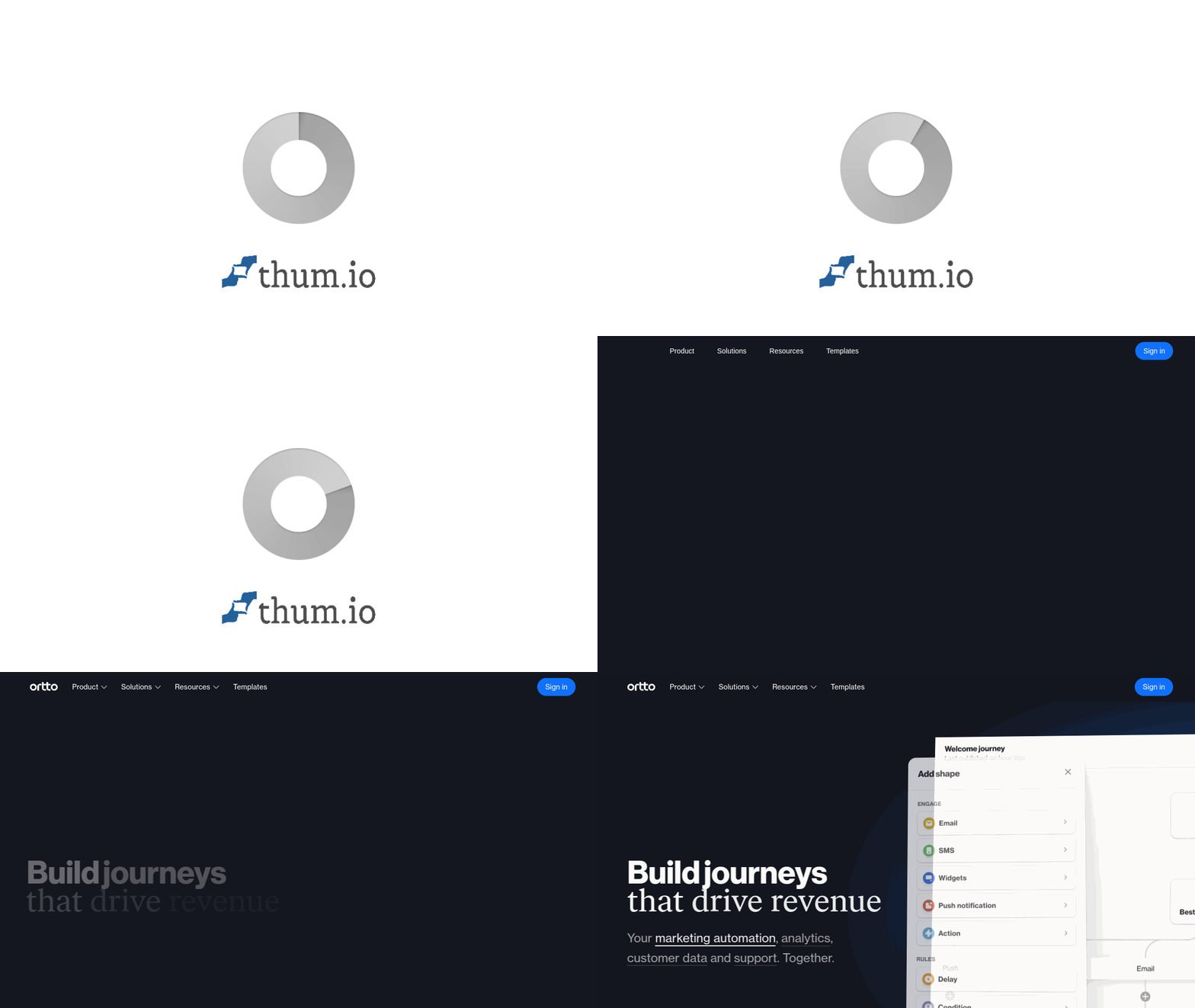
The product is smaller than any other vendor on this list and that shows in community resources (fewer tutorials, smaller third-party consultancy ecosystem). But for a Series A or Series B SaaS company that wants Customer.io-style depth with a less technical setup, Ortto is worth a real look.
Ortto Pricing
Business: $299/month for 2,000 contacts (full journey builder, analytics, forms). Business+Up: $599/month for 5,000 contacts. Enterprise: custom. 14-day free trial. Pricing scales with contact count in blocks.
Why Pick It:
Combines event-driven automation, analytics dashboards, and a visual journey builder in a way most competitors don’t try to. The analytics side is genuinely useful and avoids the “export to Mixpanel” dance for mid-stage SaaS. For a B2B SaaS team that wants Customer.io-style depth without the technical setup burden, Ortto hits a specific sweet spot.
The Catch:
Smaller company than every other vendor on this list so community resources, hireable specialists, and third-party integrations are thinner. The $299/month starting price prices out small teams. Feature depth is good but not deepest-in-class on any single dimension.
12. Kit (Formerly ConvertKit)
Kit (rebranded from ConvertKit in 2024) is the pick for creators, newsletter operators, and info-product sellers who don’t need the full weight of a marketing automation suite. The product philosophy is deliberately narrow: send emails to subscribers, run sequences, sell digital products directly, and don’t try to be HubSpot. That focus shows up in a dramatically simpler interface and a different relationship to deliverability (Kit’s reputation among newsletter operators is among the best on this list).

Kit is not the pick for B2B SaaS, ecommerce, or any marketing program that needs multi-step workflows triggered by product events. It’s the pick for someone who writes, has an audience, and wants to monetize that audience without engineering their own stack. The email marketing statistics that matter for newsletter programs (open rate, click rate, unsubscribe, reply rate) are front and center in Kit’s reporting; ecommerce revenue attribution is not.
Kit Pricing
Free: up to 10,000 subscribers (one email sequence, limited features). Creator: $29/month for 1,000 subscribers (unlimited sequences, automations, premium support). Creator Pro: $59/month for 1,000 subscribers (newsletter referral system, advanced reporting, Facebook custom audiences). Scales with subscriber count: 10,000 subscribers costs around $99/month on Creator.
Why Pick It:
Best deliverability reputation on this list among newsletter operators. Free tier up to 10,000 subscribers is the most generous in the category and lets a creator grow an audience before paying a dollar. The Creator community and ecosystem (SparkLoop referrals, native commerce, Patreon-style tiers) is built around a single use case and that focus pays off.
The Catch:
Not the right tool for marketing automation in the classic sense: no multi-step workflows triggered by product events, no CRM, no ecommerce attribution. Reporting is simpler than HubSpot or Klaviyo. Teams that outgrow the “one creator, one list, one newsletter” model usually migrate out within 18 months.
How To Pick The Right Marketing Automation Software For Your Stage
Three variables decide the call, and comparison articles usually only talk about one of them (features). The other two (migration cost and total cost of ownership) matter more at inflection points. Here is how to think about them in order.
Variable One: Where Your Revenue Actually Comes From
If more than half your revenue is tied to a product catalog and orders (Shopify, BigCommerce, WooCommerce), Klaviyo or Omnisend are the correct starting points, and the choice between them is contact count and budget. If your revenue comes from sales-assisted B2B deals with a pipeline of six to twelve weeks, HubSpot or ActiveCampaign are the right picks for sub-$10M revenue, and Marketo or Account Engagement become candidates above that. If you’re a newsletter or info-product business, Kit. If you’re product-led SaaS and your product emits events, Customer.io or Ortto.
Variable Two: What A Migration Would Actually Cost In Eighteen Months
Migration from one marketing automation tool to another is not a weekend project. Real costs include: exporting and re-importing contact history (one to three weeks of engineering), rebuilding workflows from scratch (two to eight weeks per non-trivial workflow), re-establishing sender reputation on the new domain (four to twelve weeks of ramped sending), re-integrating with CRM and analytics tools (two to six weeks), and training the team (ongoing for months). For a mid-market company, this routinely costs $15K to $150K in services, agency work, and lost program velocity. Pick now for where you’ll be in eighteen months, not just where you are today.
Variable Three: Total Cost Of Ownership, Not Sticker Price
The number on the pricing page is a starting point, not the real cost. Add implementation fees ($3K to $7K on HubSpot Pro, $20K to $80K on Marketo), certified consultants ($150 to $250 per hour on Marketo and Account Engagement), add-on channels (SMS and WhatsApp are usually separate line items), and the fully loaded cost of the headcount who will operate the tool. For most mid-market programs, loaded cost of operating a marketing automation tool is three to five times the subscription price. Marketo’s $1,250/month starting price is really $50K+ per year; HubSpot Pro at $890/month is really $25K to $40K per year once you include what goes around it.
FAQs About Marketing Automation Software
1. What Does Marketing Automation Software Actually Do?
It triggers emails (and often SMS, push, and in-app messages) based on what a contact does or doesn’t do: joined a list, abandoned a cart, visited a pricing page, hasn’t logged in for 14 days. The point is to send the right message without a human manually queueing each send. A good tool also segments contacts, scores leads, syncs with your CRM, tests subject lines, and reports on what revenue came from which workflow.
2. What’s The Real Cheapest Marketing Automation Software In 2027?
For a usable free tier, Brevo (unlimited contacts, 300 sends per day) and Kit (up to 10,000 subscribers) are the most generous. For paid tiers that actually include automation features, Mailchimp Essentials at $13/month, ActiveCampaign Lite at $15/month, and Omnisend Standard at $16/month are the floor. Anything cheaper than $13/month in this category is usually missing something important, like automations or meaningful send volume.
3. Is HubSpot Worth The Jump From Starter To Pro?
The jump from Starter ($20) to Pro ($890) is HubSpot’s hardest sell. The honest answer: Pro is worth it if you need the workflow builder, custom reporting, or the Breeze AI features (Content Agent, Prospecting Agent). It is not worth it if you only need batch email and basic lists; stay on Starter or pick ActiveCampaign Plus at $49/month, which gives you more automation depth than Starter for about the same price.
4. Klaviyo Or Mailchimp For A Shopify Store?
Klaviyo, unless your store is doing under $200K per year in revenue. Mailchimp’s Shopify integration works but is shallower; Klaviyo’s ecommerce flows, product-feed segmentation, and revenue attribution were built for Shopify from day one. For brands under $200K annual revenue, Omnisend is the honest alternative and will cost roughly 40 percent less at the same contact count.
5. What Did Google And Yahoo’s 2024 Sender Rules Actually Change?
Three practical things for any sender hitting 5,000+ Gmail or Yahoo addresses per day. First, SPF, DKIM, and DMARC are no longer optional and every marketing automation tool now requires them before you can send at volume. Second, one-click unsubscribe (the List-Unsubscribe header) must be in every marketing email. Third, spam complaint rates above 0.3 percent trigger deliverability throttling, and above 0.5 percent trigger outright blocks. The tools that owned their sending infrastructure (Klaviyo, HubSpot, Mailchimp) adapted smoothly; the ones that didn’t spent most of 2024 catching up.
6. Can I Really Run Marketing Automation Without A Developer?
On HubSpot, ActiveCampaign, Mailchimp, Brevo, Omnisend, Drip, and Kit, yes. On Customer.io, mostly no (you need engineering to send product events). On Marketo and Salesforce Account Engagement, you need a certified partner or a dedicated marketing-ops person. Ortto and Klaviyo fall in the middle; a non-technical marketer can run most workflows, but the deeper segmentation and custom events benefit from developer support.
7. When Should A Company Migrate From Mailchimp To Something Bigger?
Three signals. First, when you’re building the same workaround twice because the automation builder can’t handle a condition natively. Second, when your list passes 10,000 engaged contacts and you’re paying more for Mailchimp than ActiveCampaign Plus would cost at the same tier. Third, when revenue attribution matters and you can’t produce it (Mailchimp’s attribution is thinner than Klaviyo’s or HubSpot’s by a wide margin). Any one of those is a yellow flag; two is time to plan a migration.

Pingback: Abandoned Cart Email In 2027: 12 Examples And Best Practices
Pingback: Email Marketing KPIs in 2026: 15 Metrics, Formulas, and Benchmarks